Your YouTube channel, on your WordPress site.
Tuberail shows a channel or playlist as a grid, masonry, carousel or list, and can import its videos into WordPress as real posts on a schedule. Every API response is cached against your own YouTube key, and the player only loads when someone presses play.
- $39 once, 1 site
- WordPress 6.0+ · PHP 7.4+
- Shortcode, block, Elementor, widgets
- Your own YouTube Data API key
 1:08
Google Antigravity and Gemini 4: Creating an interactive MIDI mapped 3D world
25.7K views
Tune in to learn how creative technologist Tiago Aragona orchestrates modular 3D modeling, custom synthesizer design, and MIDI mapping into an interactive, real time audio-reactive Unity world using…
 1:08
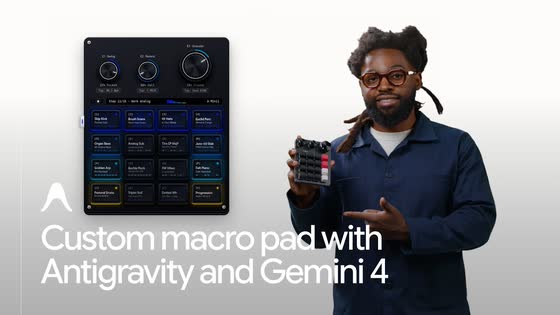
Google Antigravity and Gemini 4: Building a custom groovebox on a $40 macro pad
18.3K views
Watch music producer, DJ, and pianist Arlander Taylor transform a generic $40 16-key, 3-knob gaming macro pad into a custom groovebox and polyrhythmic synthesizer in a single shot…
 5:01
EmbeddingGemma 2: How natively multimodal embeddings work
58.1K views
Learn how EmbeddingGemma 2, Google's open, lightweight multimodal embedding model, maps text, code, images, video, and audio into a single, unified embedding space. The video covers: * How…
 1:03
Building with Gemini in Google Antigravity
22.1K views
See what you can build using our latest Gemini models in Google Antigravity. From in-browser animation and multimodal prototyping to autonomous codebase modernization, explore how you can ship…
 2:35
Accelerate shipping to scale with Google Antigravity
14.8K views
Building software to move tens of millions of vehicles requires massive infrastructure. Using Google Antigravity, Move Cars delivers fully tested production features in a single day, letting a…
 2:06
🪴 Building an autonomous plant rover with Gemini Live
3.6K views
Meet Sprout: an semi-autonomous plant rover built with Gemini Live and Robotics ER 2.0 that navigates office spaces to hunt for sunlight and care for greenery. 🔗 Explore…
 2:03
Building real-time vision & edge navigation with Gemini Live
42.4K views
Meet Sprout, a semi-autonomous plant robot powered by Gemini. Watch as it navigates the office in search of sunlight, pings for help, and uses Gemini Live and Robotics…
 2:32
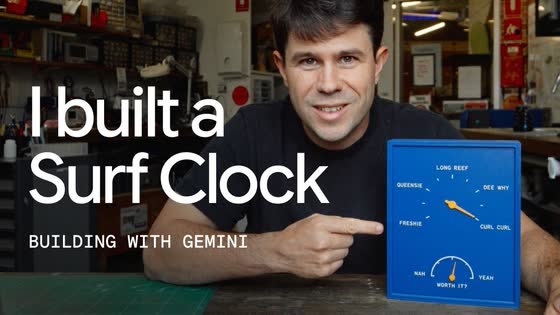
Functional smart devices using Gemini 4 Argon and Google Antigravity
30.8K views
What happens when you have a wild hardware idea and zero clue how to build it? Watch to see how these makers used Gemini 4 Argon and Google…
Titles, durations and view counts from the live demo’s @GoogleDevelopers gallery, copied on 22 Nov 2026. See this layout live in the demo.
A 90-second tour of the live demo
Recorded on the demo site: the layouts, channel tabs, imported posts and the settings screens. Pick a chapter to jump to it.
The screens, as they are
Screenshots from the demo site, front end and wp-admin.
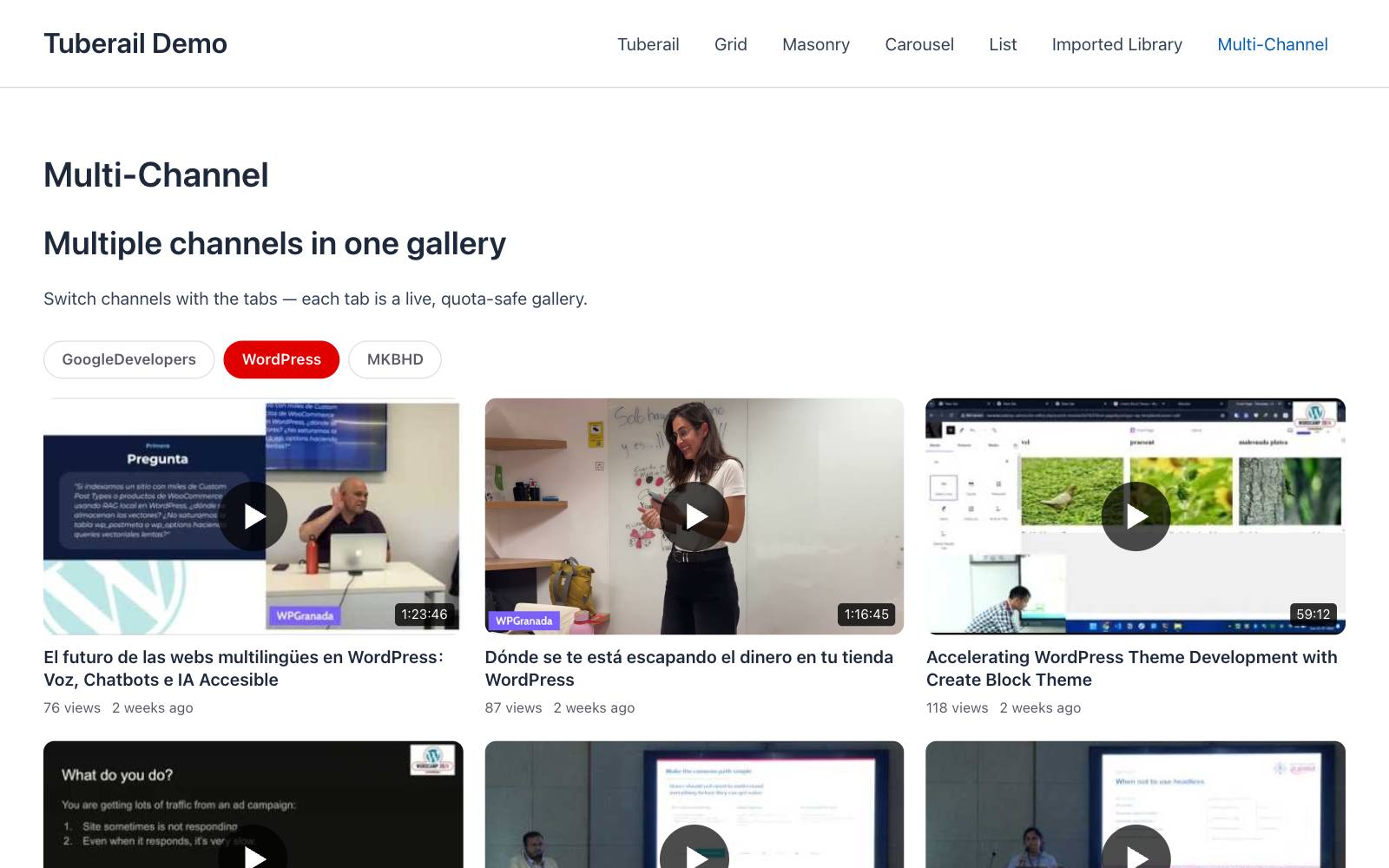
Several channels in one gallery
List channels or playlists in one shortcode, channels="@a,@b", and visitors switch between them with tabs.
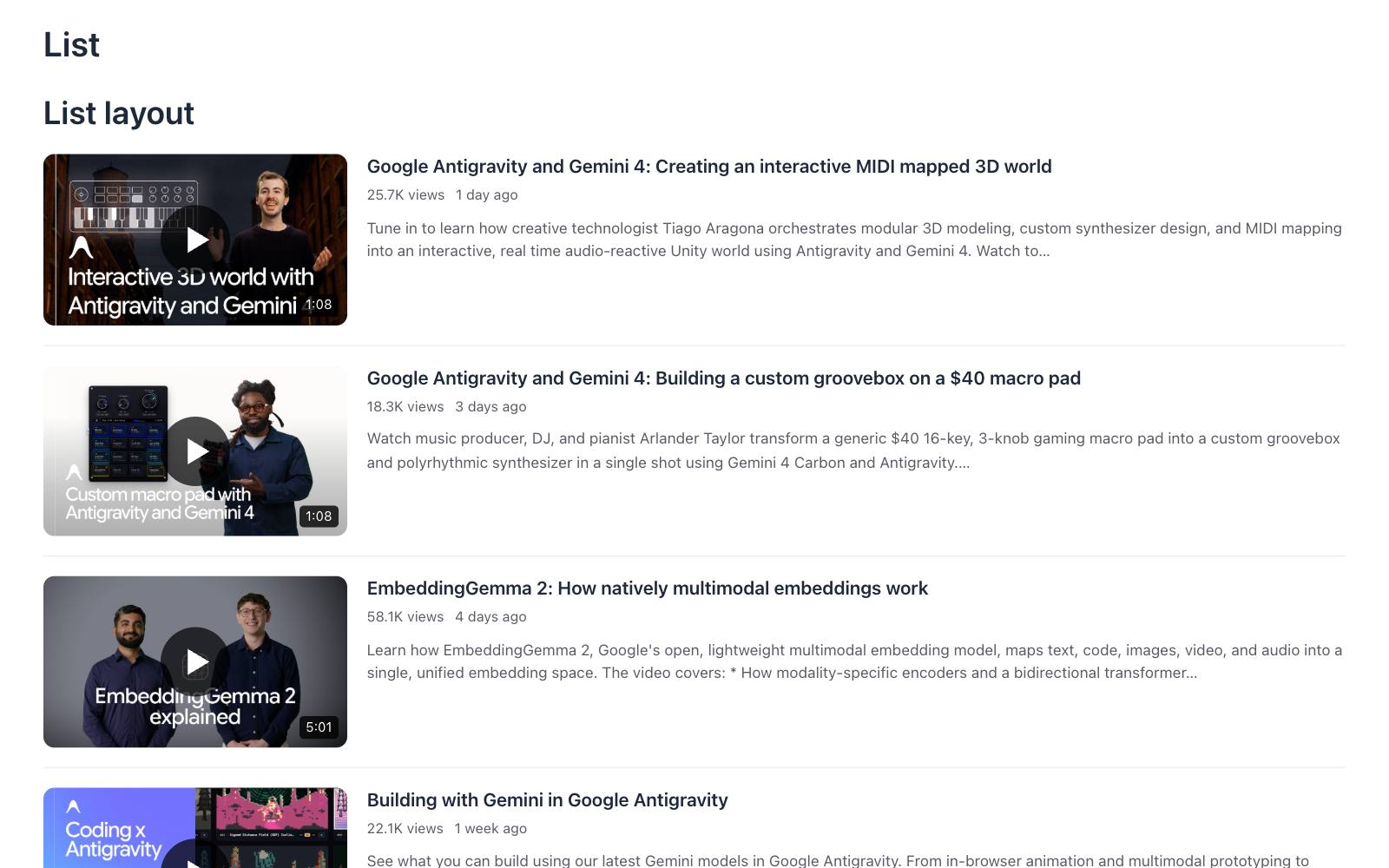
List layout
Thumbnail, title, views, date and the start of the description, one video per row.

An imported video
Each imported video is a post with its own URL, the YouTube title and description, and comments, rendered by your theme. The post opens with a click-to-load player and the view count, dated so nobody mistakes it for a live number. If your theme has its own player, switch it off.
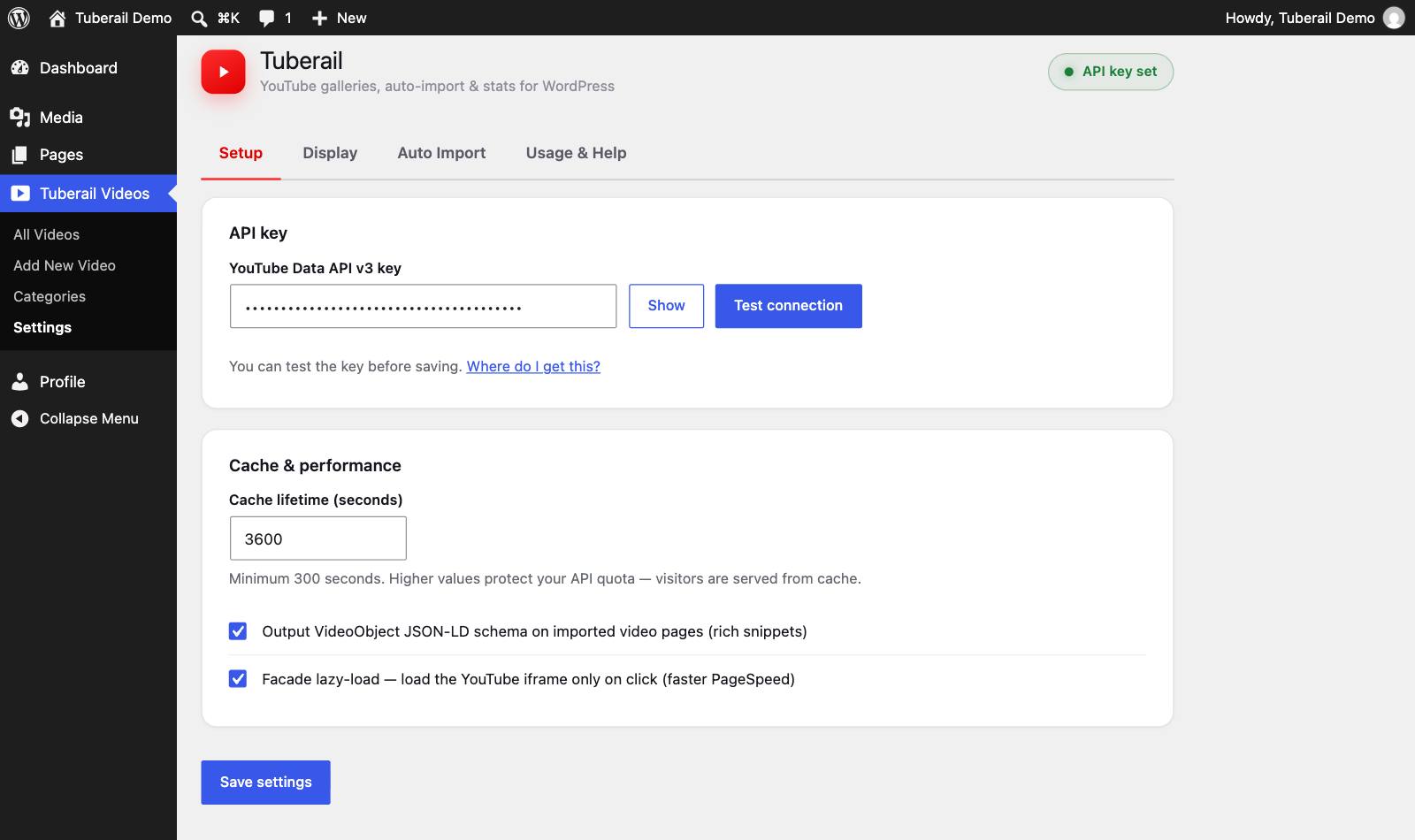
Setup
Paste your API key and test it before saving. Set how long responses are cached (300 seconds minimum) and switch the schema and click-to-load player on or off.
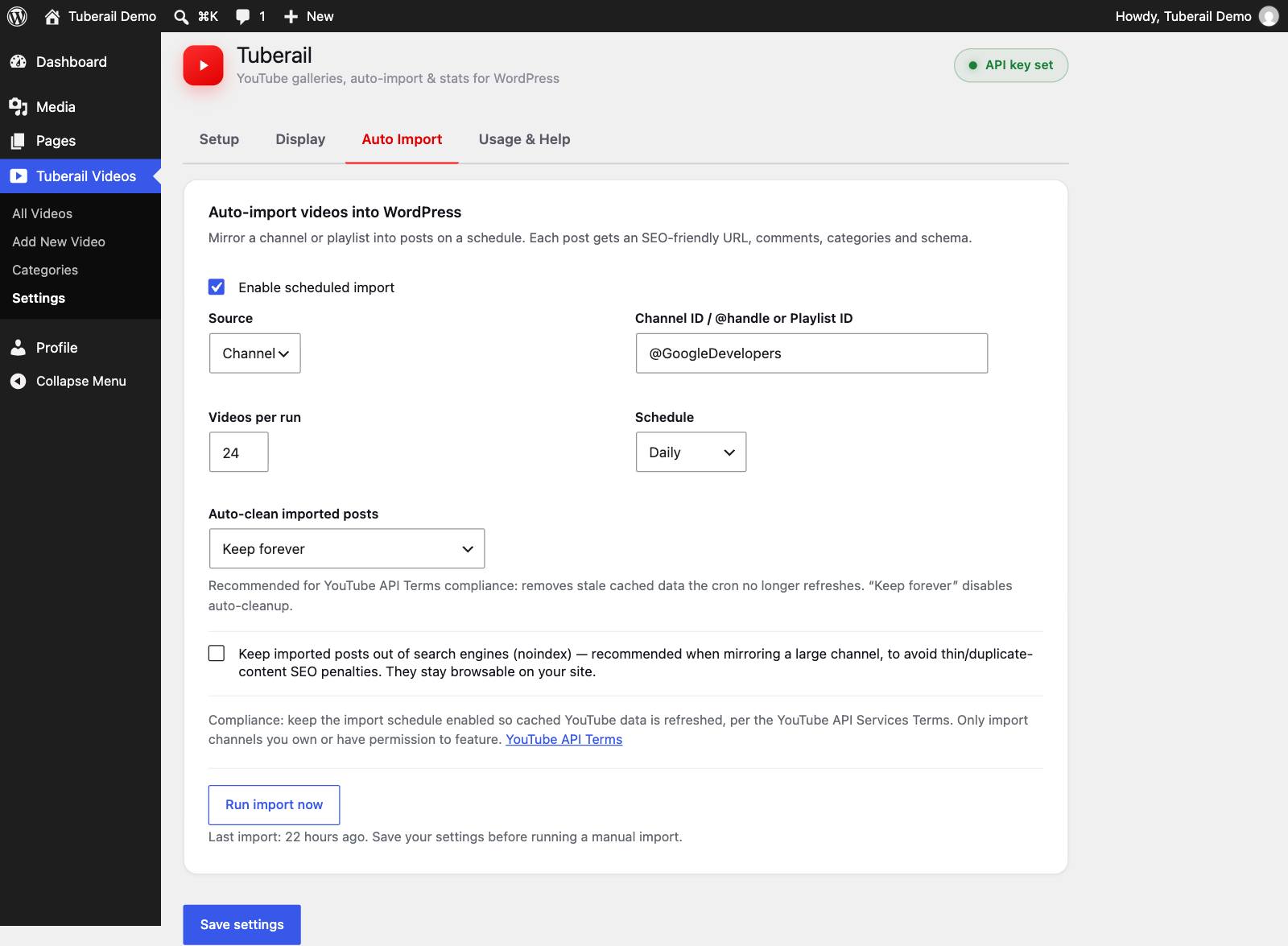
Auto import
Mirror one channel or playlist into posts hourly, twice daily or daily; each run also refreshes the view counts of every imported post, 50 videos per quota unit. Optionally trash posts that haven’t been refreshed in 30, 60 or 90 days, keep them out of search with noindex, or run an import now.
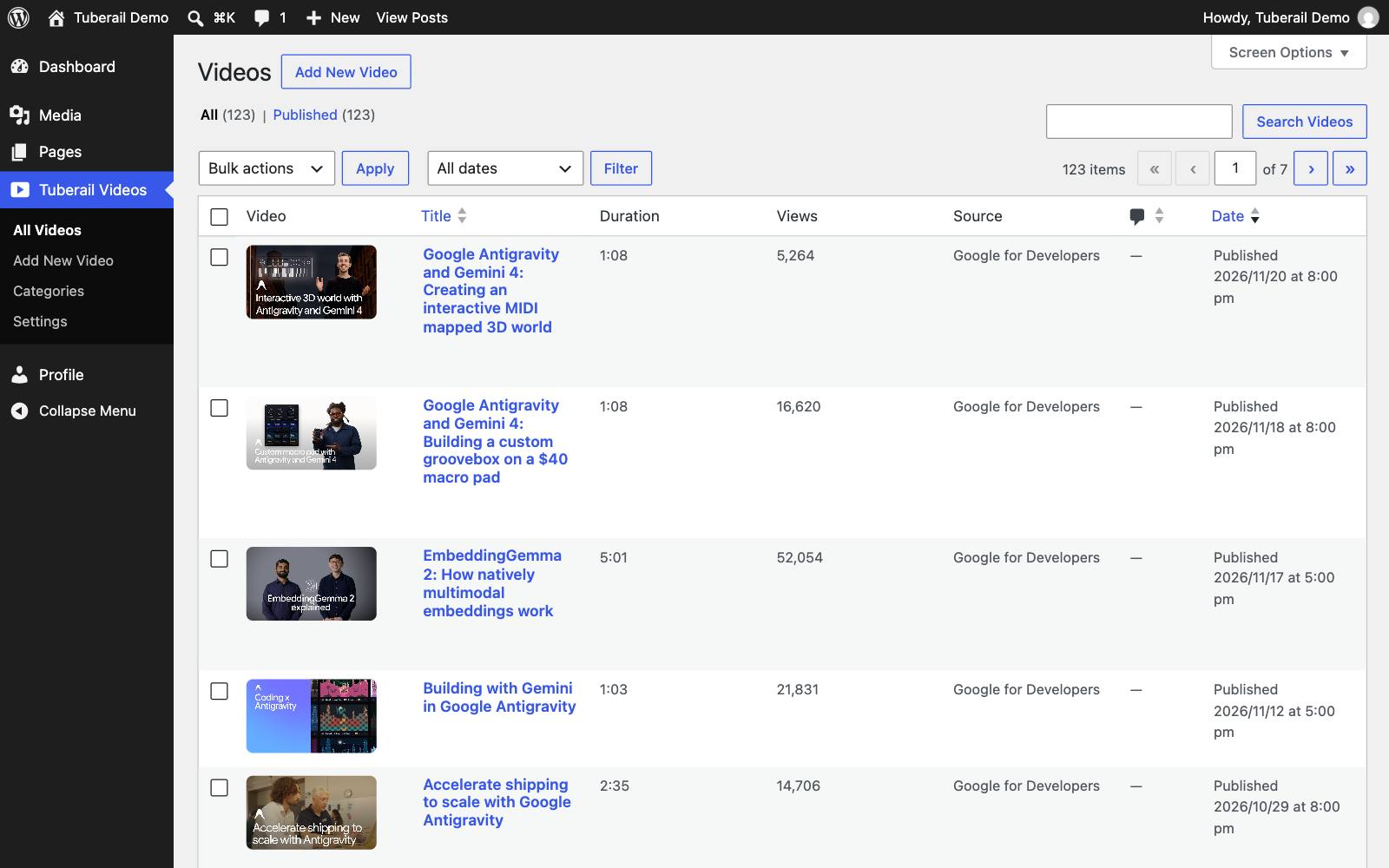
Imported videos in wp-admin
An ordinary post list with thumbnail, duration, views and source columns. Edit, categorise or unpublish them like any other post.
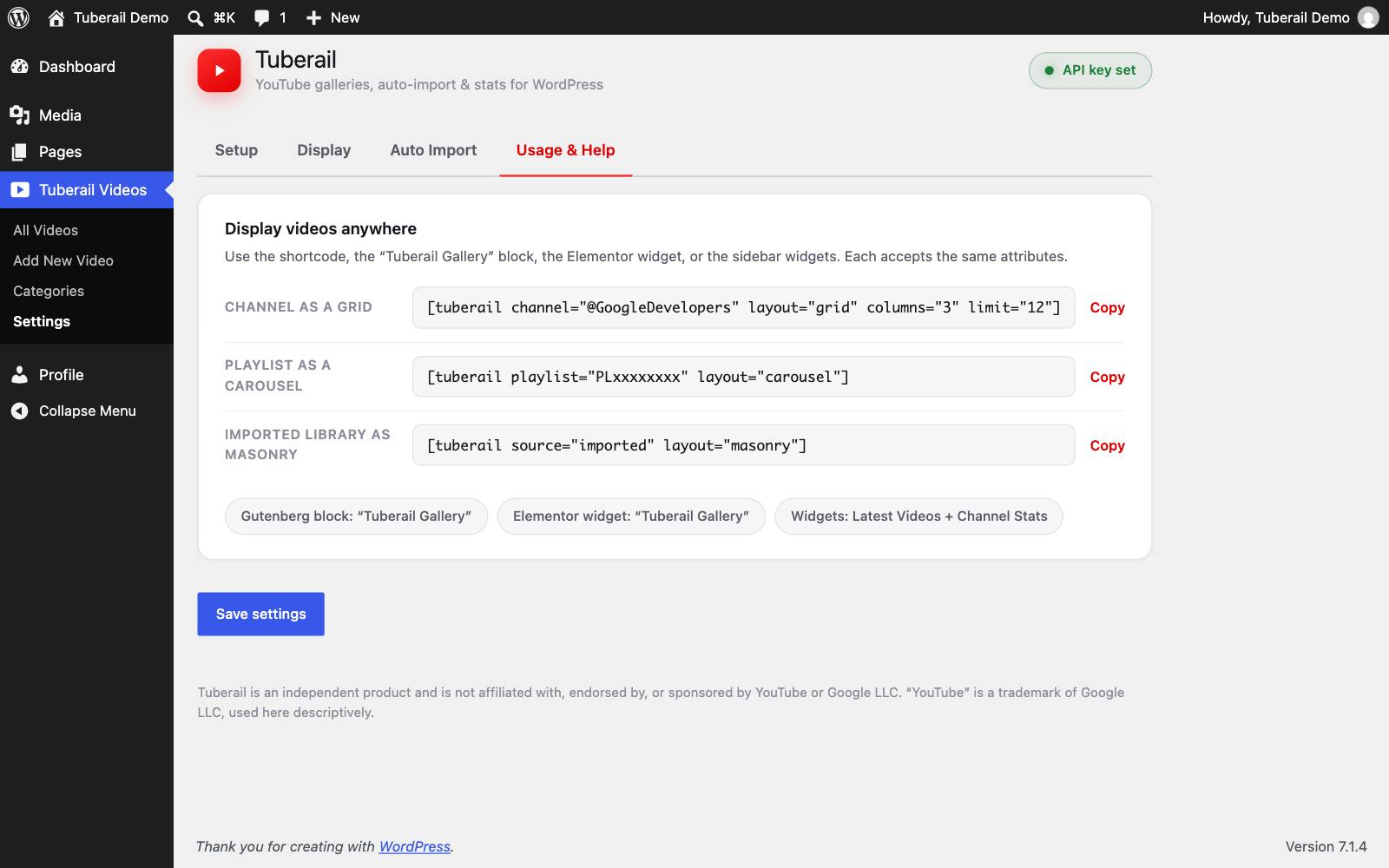
Usage
Copyable shortcodes, plus the Tuberail Gallery block, the Elementor widget and the Latest Videos and Channel Stats sidebar widgets.
Built around the YouTube API quota
A YouTube Data API project gets 10,000 units a day by default, and a single search.list call costs 100. Tuberail never calls it. It reads a channel’s uploads playlist instead and caches every response in WordPress.
A gallery’s first request after its cache expires refreshes it, so a busy page makes at most one set of calls per cache lifetime. Failed requests (a bad key, say) are cached for 5 minutes so they can’t hammer the API either.
source="imported"What’s in the plugin
Any channel or playlist
A channel ID, an @handle, a legacy username or a playlist ID.
Four layouts
Grid, masonry, carousel with arrows and dots, and list. Pick columns, count and whether descriptions show.
Click-to-load player
Galleries show thumbnails; the youtube-nocookie.com player loads in place when a visitor clicks.
Load more
Grid, masonry and list galleries can fetch the next videos without reloading the page.
Scheduled import
New uploads become posts in a Tuberail Videos post type, matched by video ID so nothing is imported twice.
Structured data
VideoObject JSON-LD on imported video pages (with an off switch) and an ItemList of each gallery’s videos.
Channel stats widget
A sidebar widget with a channel’s subscriber and video counts and a Subscribe button.
LIVE badge
Videos that are streaming live when the data is fetched get a LIVE label on their card.
For developers
wp tuberail import and flush-cache commands, a tuberail_render_item filter for your own card markup, and an accent colour setting.
One price, no subscription
- 1 WordPress site
- 1 year of updates and email support
- Full GPL source, runs on your server
- After the year it keeps working; renew only for new versions
Sold by Paddle.com as merchant of record: Paddle issues the invoice, handles VAT and refunds. 30-day refund policy. The licence key and download link arrive by email.
What you need
- WordPress 6.0 or newer and PHP 7.4 or newer
- A YouTube Data API v3 key of your own, free from the Google Cloud console
- The channel ID, @handle or playlist you want to show
- WP-Cron running, if you want videos imported on a schedule
Google sets the API quota, not us. Tuberail is an independent product, not affiliated with or endorsed by YouTube or Google.
Questions
Something else? Read the documentation or log in to the demo and look around.
Do I need my own YouTube API key?
Yes. Each site enters its own YouTube Data API v3 key, which is free from the Google Cloud console. No key is bundled or shared, and the quota is Google’s to set, not ours.
How does Tuberail keep API usage low?
It never calls search.list (100 units). A channel is read through channels.list, playlistItems.list and videos.list, about 3 units for up to 50 videos. Every response is cached for at least 5 minutes (one hour by default), so page views in that window make no API calls. Galleries of imported posts read your database and make none at all.
What does an imported video look like?
A post in the Tuberail Videos post type with its own URL, the YouTube title and description, comments and categories, rendered by your theme, plus VideoObject structured data. The post page itself doesn’t embed the player; show imported videos as a playable gallery with source="imported".
Where can I use it?
As the [tuberail] shortcode, the Tuberail Gallery block, an Elementor widget, and two sidebar widgets: Latest Videos and Channel Stats.
Should I import a big channel?
You can, and the Auto Import tab has a noindex switch so hundreds of short posts don’t count against you in search. Only import channels you own or have permission to feature.
What does it cost?
$39 once for one WordPress site, with a year of updates and email support. Paddle is the merchant of record and there is a 30-day refund policy.
Try it in the demo first
A WordPress site running Tuberail with a real API key. Log in to see the settings; saving is switched off for the demo account.
/wp/wp-admin/demoTuberailDemo!